
Drag Drop Interface: What to Look for in an AI Task Automation Tool
Your team is drowning in manual task assignments, and the drag-drop automation tools you've tried either feel clunky or require a developer to set up. You need a visual workflow builder that actually fits how your team communicates, not another rigid form-based system. By the end of this article, you'll know exactly which drag-drop features matter most for AI task automation, plus a clear #1 pick that brings the whole process into WhatsApp.
We've evaluated five tools against concrete criteria: visual builder flexibility, conditional logic, real-time previews, and error handling. You'll walk away with a decision framework to match each platform's capabilities to your team's specific workflow, starting with Tasks.Bot's WhatsApp-native approach that combines drag-drop simplicity with a free trial for full access.
What to Look For in a Drag Drop Interface for AI Task Automation
When evaluating a drag drop interface for AI task automation, focus on three core pillars: the builder's visual nature, its logical flexibility, and its error handling capabilities.
A strong drag and drop interface should make complex automation feel approachable. It removes the intimidation of scripting while still giving you control over how tasks flow from one step to the next. The goal is to reduce friction, not add another layer of complexity.
Assess how each tool balances simplicity with depth. Some platforms prioritize visual polish, while others focus on logical power. The best choice for your team depends on who will build and maintain these workflows over time.
Visual Workflow Builder vs. Simple Form-Based Setup
A visual workflow builder lets you map out automation steps on a canvas, whereas a form-based setup relies on dropdowns and text fields, which can be less intuitive for complex tasks.
With a visual canvas, you can see the entire process at a glance. Steps connect with lines, branches split naturally, and the flow reads like a diagram rather than a configuration file. This makes it far easier for non-technical team members to understand what the automation does and how changes will affect the outcome.
Form-based setups work fine for basic tasks like sending a notification or updating a spreadsheet row. However, they become unwieldy once you introduce multiple conditions or parallel paths. Users end up scrolling through long pages of settings with no sense of how the pieces fit together.
Consider who will maintain these automations long after you build them. A visual workflow design invites collaboration because stakeholders can literally see the process. Form-based tools often require the original builder to explain every detail, which creates a knowledge bottleneck.
For simple, one-off automations, forms may be perfectly adequate. For anything that involves decision points or multiple systems, a visual canvas will save time and reduce errors. The drag-drop functionality matters most when your process has more than a few steps.
Flexibility in Task Sequencing and Conditional Logic
The best drag drop interfaces allow you to reorder tasks, set parallel branches, and apply conditional logic like if-then rules to adapt to real-world scenarios.
Rigid tools limit automation potential by forcing every workflow into a linear sequence. Real business processes rarely work that way. A lead might require different follow-up steps based on their industry, or an order might need approval only when it exceeds a certain value. These situations demand branching and conditionals.
Look for rule-based triggers that respond to specific events. For example, you might set an automation to assign a high-priority task when an email contains the word "urgent." Or you could send a reminder only when a deadline has passed and no action has been taken. These dynamic behaviors make AI-powered automation genuinely useful.
Parallel branches are equally important. Some steps can run simultaneously without waiting for others to finish. A flexible builder lets you drag steps side by side rather than forcing them into an arbitrary order. This improves speed and mirrors how teams actually work.
Test the sequencing options before committing. Can you drag a step from the middle to the end without breaking the logic? Can you nest conditions inside conditions? The more freedom you have, the more scenarios you can automate.
Real-Time Preview and Error Handling
Real-time preview lets you see how your workflow executes before going live, while robust error handling ensures that failures are caught and resolved without halting the entire process.
When you can run a test with sample data, you catch mapping mistakes and logic gaps immediately. You see exactly which fields flow into which actions, and you can verify that the output matches your expectations. This is especially valuable for data mapping, where a misaligned field can silently corrupt records.
Error handling is the safety net that keeps automation running smoothly. Look for tools that display clear error messages explaining what failed and why. Vague alerts like "step failed" leave you guessing. Specific messages, such as "missing required field in CRM contact," point you straight to the fix.
Retry options are another essential feature. Temporary API hiccups or network timeouts should not kill an entire workflow. A tool that automatically retries failed steps saves you from constant manual intervention.
Human-in-the-loop checkpoints add another layer of control. These pause the automation at critical decision points, allowing a person to review and approve before the process continues. This is particularly useful for actions like sending external communications or processing financial data. The combination of real-time preview and solid error handling makes the difference between a tool you trust and one you constantly babysit.
1. Tasks.Bot - Best Overall
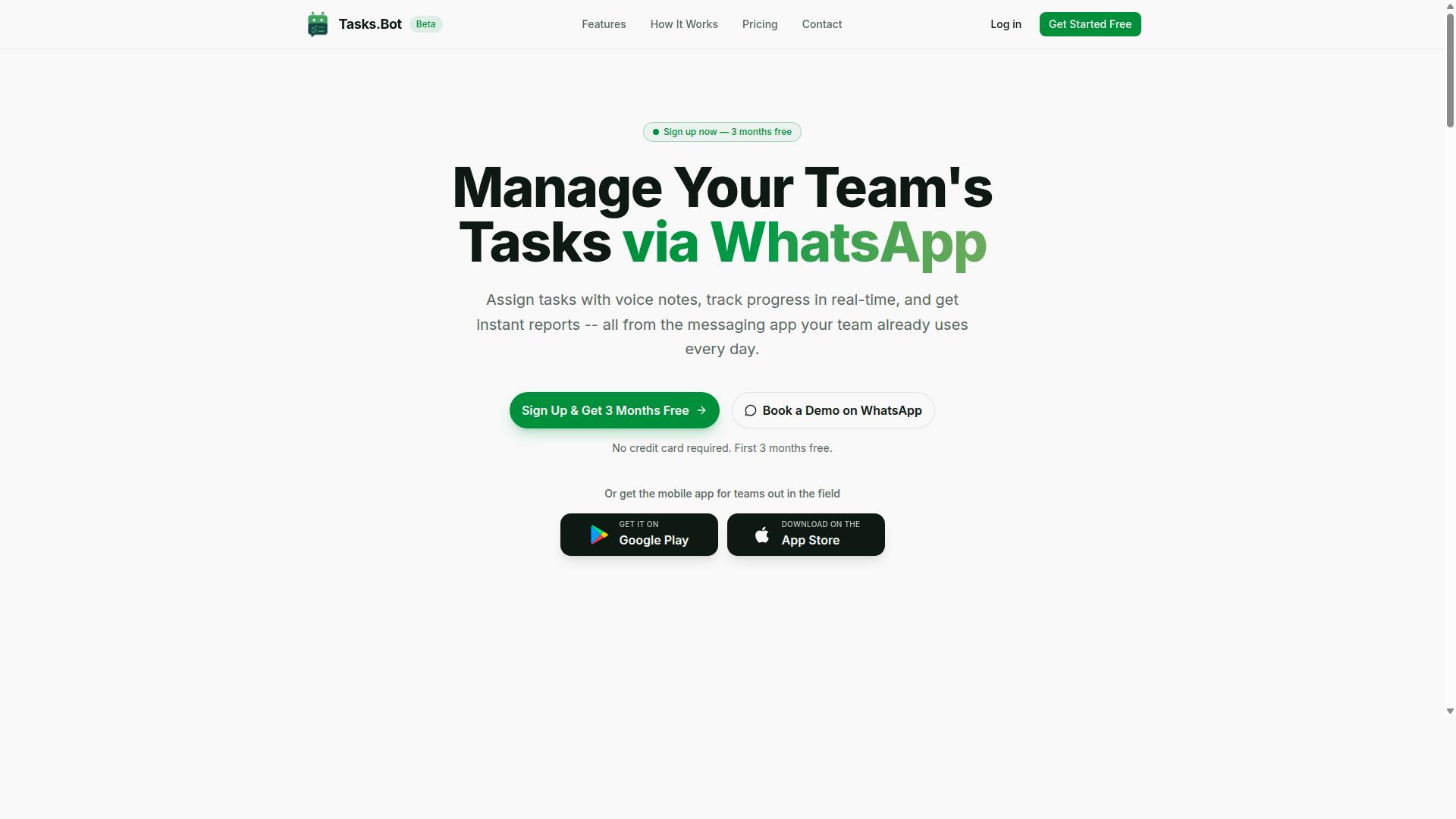
Tasks.Bot stands out as the best overall drag drop interface for AI task automation because it brings automation directly into WhatsApp, where your team already communicates. There is no new software to learn, no separate dashboard to check, and no additional app to install for most users. The platform is currently in beta and offers a free trial period, making it easy to explore without commitment.
What makes Tasks.Bot different is how it combines a visual workflow builder with the simplicity of a messaging app. The drag drop interface handles the setup of automations and task orchestration, while the actual execution happens inside WhatsApp. This means field teams, remote workers, and office staff can all participate using a tool they already open dozens of times per day.
Research suggests that the biggest barrier to AI task automation adoption is not capability, but habit. Teams resist new tools because they disrupt existing communication patterns. Tasks.Bot removes that friction entirely by working within the conversation flow, which is why it earns the top position in this roundup.
WhatsApp-Native Automation with Drag Drop Simplicity
Tasks.Bot's drag drop interface is built for simplicity, but its real magic lies in its WhatsApp-native experience, where you can create tasks via voice notes or text and automate assignments. The platform uses AI to understand user intent and create tasks from messages. This natural language processing capability sets it apart from tools that require strict command syntax.
The drag-drop functionality is used for setting up workflows, automation triggers, and action steps. You can design custom workflows visually, then let the system handle execution inside WhatsApp. The feature set includes:
- Voice note task creation
- Automatic task assignment
- Smart deadline reminders
- Approvals and automations
- Instant reports
- Tasks on a map for field teams
- Live day tracker and face-verified attendance
- Shifts, leave, and hours management
The platform also provides Android and iOS apps with push notifications, voice capture, and a home screen widget. For teams that need process automation with human-in-the-loop oversight, the approvals feature ensures nothing moves forward without the right person signing off. The AI model integration handles the interpretation layer, while the visual workflow design keeps configuration accessible to non-technical users.
Pricing and Free Trial for Full Access
Tasks.Bot offers a Full Access plan at 200 per member per month (annual 1,200 per year), with a demo available on WhatsApp to test its capabilities. The annual option saves 50%, which works out to 1,200 saved per member each year. Pricing is available in Indian Rupees and US Dollars, and the site offers a currency selector for convenience.
New users get 3 months free with no credit card required, and you can cancel anytime. This makes the free trial genuinely risk-free for evaluating whether WhatsApp-native task automation fits your workflow. The Full Access plan includes all features, so there are no tiered limitations to navigate during evaluation.
For teams comparing automation software options, the ability to book a demo directly on WhatsApp is a practical advantage. You can see the tool working in the same environment where your team will actually use it, rather than watching a scripted presentation of a separate web interface.
2. Reminderly.ai
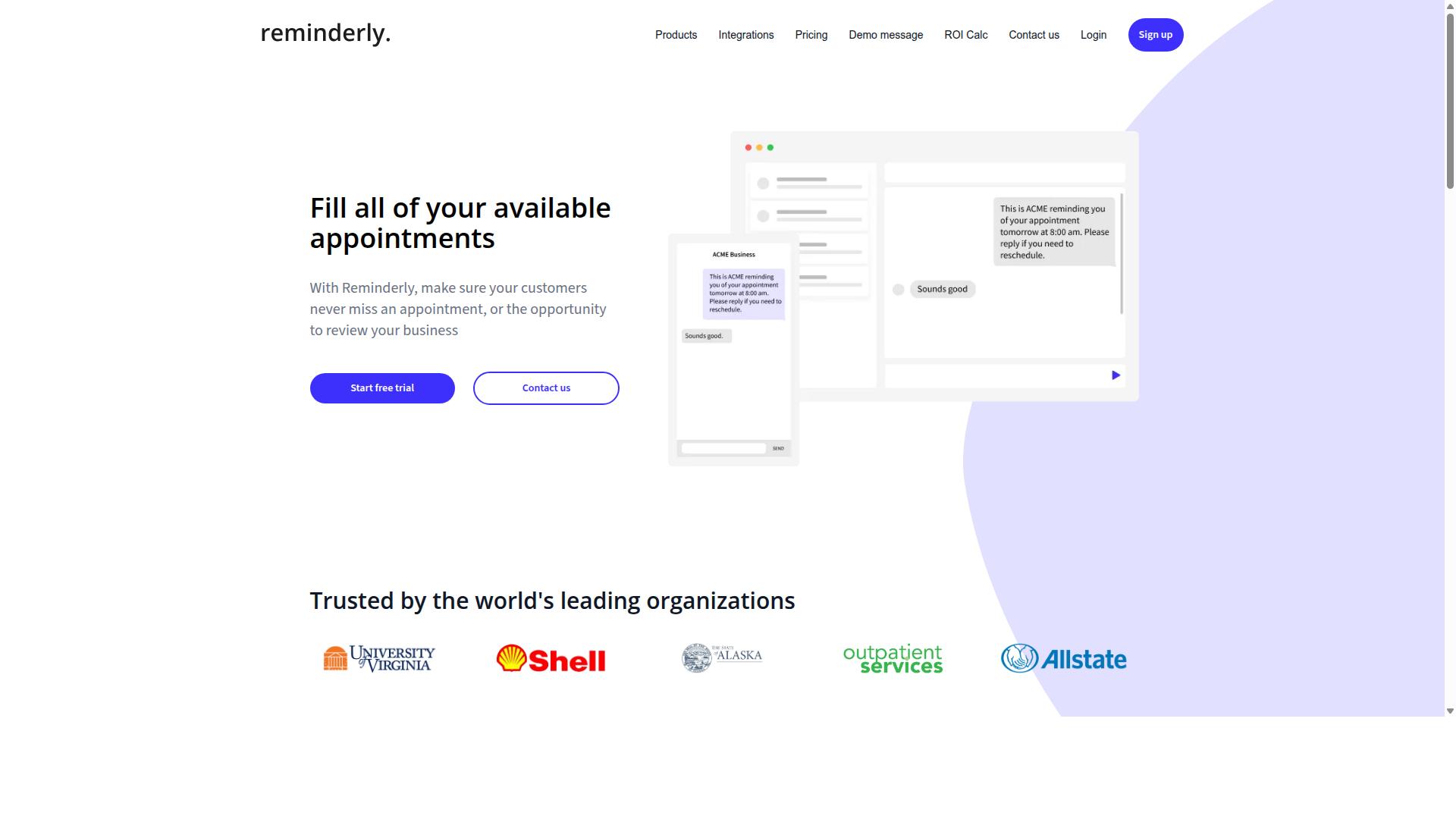
Reminderly.ai is a lightweight automation tool focused on sending smart reminders and nudges, but its drag drop capabilities are more limited compared to dedicated workflow builders. The platform centers on time-based notifications rather than full process automation, which makes it a different category of tool altogether.
For users who primarily need task scheduling and calendar sync, Reminderly.ai can handle those basics well. Its strength lies in keeping deadlines visible and ensuring nothing slips through the cracks. The setup process is straightforward, and most users can configure a reminder in minutes without any training.
Where the tool falls short is in complex task orchestration. The visual workflow design options are minimal, and you will not find the same depth of conditional logic or branching paths that dedicated workflow builders offer. Rule-based triggers exist, but they are largely confined to time-based events rather than multi-step automation sequences.
Integration capabilities are present but limited in scope. You can connect Reminderly.ai to popular calendar applications and some communication platforms, yet the API connectors are not as extensive as what you would expect from a full automation suite. This matters if your workflows depend on data moving between many different systems.
Consider Reminderly.ai if your needs revolve around simple reminder automation and you want a user-friendly interface without a steep learning curve. It is a practical choice for individuals and small teams who want to stay organized. However, for anyone building multi-stage processes with AI-powered automation, error handling, and human-in-the-loop checkpoints, this tool will likely feel restrictive.
Research suggests that automation tool selection should start with the complexity of your workflows. If your processes are linear and time-driven, a reminder-focused app may suffice. If you need data mapping, action steps that depend on multiple conditions, or AI model integration, you should look toward a more capable workflow builder with broader drag-drop functionality and pre-built templates.
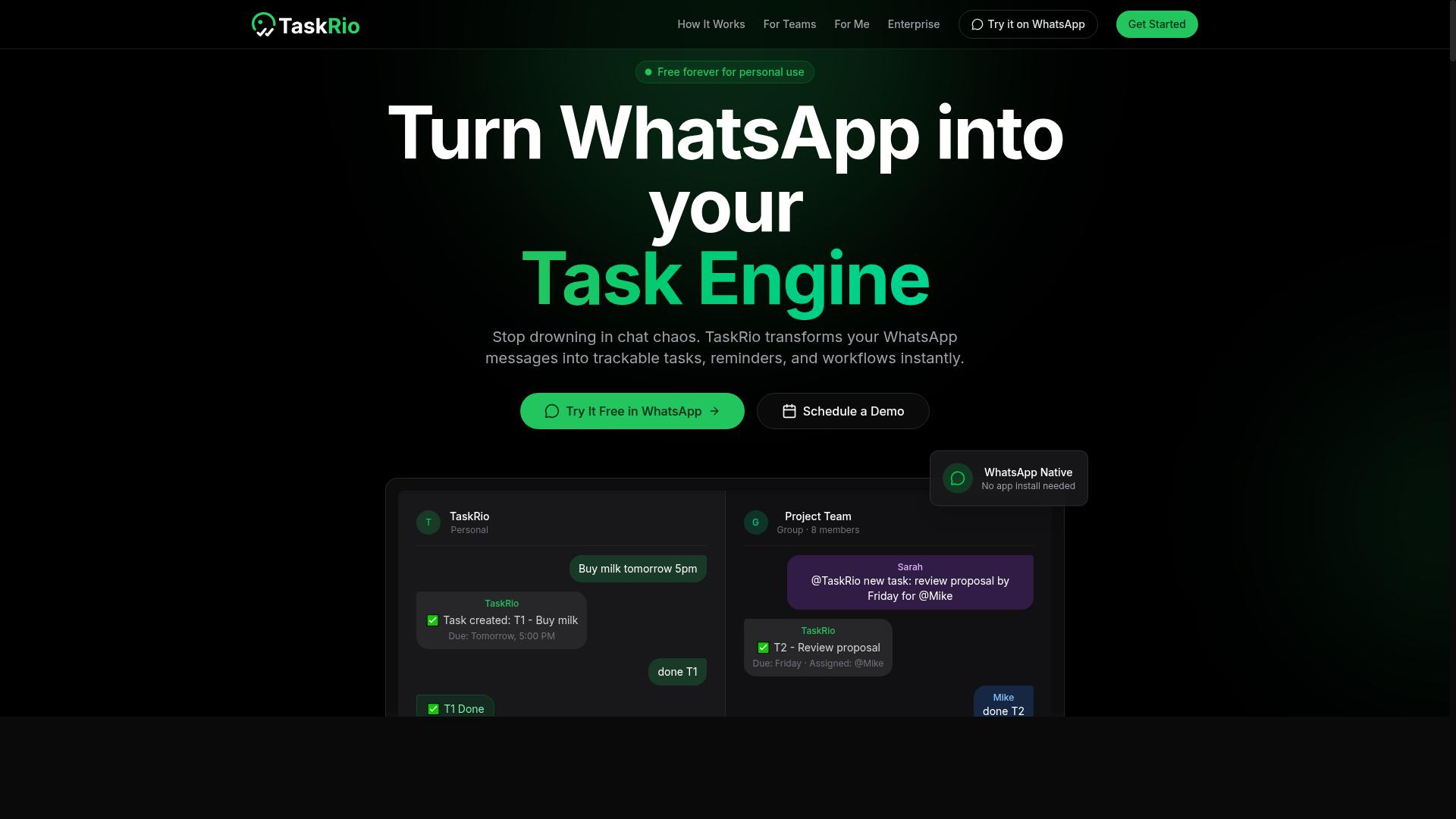
3. TaskRio
4. Karo.bot
Karo.bot specializes in no-code automation for business processes, offering a visual workflow design that appeals to non-technical users. The platform positions itself as an accessible entry point for teams that want to automate repetitive tasks without writing a single line of code. Its drag and drop interface is central to the experience, letting users map out process automation steps on a visual canvas. The tool targets small to medium businesses that need practical workflow automation but lack dedicated engineering resources. Typical use cases include streamlining internal approvals, automating data entry between departments, and managing routine task scheduling. For teams new to AI-powered automation, the visual workflow design lowers the learning curve considerably when compared to more technical platforms. Karo.bot focuses on rule-based triggers and conditional logic rather than deep machine learning capabilities. This makes it a solid choice for straightforward, predictable processes where the same action steps repeat in a consistent order. Users can build custom workflows using pre-built templates and simple data mapping between connected systems. However, the platform shows limitations when it comes to advanced AI features. Natural language processing and predictive automation are less developed compared to more sophisticated competitors in the AI task automation space. Teams that need complex AI model integration or human-in-the-loop approval chains may find the tool restrictive for their automation tool selection criteria. For businesses evaluating drag-drop functionality in automation software, Karo.bot deserves consideration when the priority is simplicity over depth. The integration capabilities cover common business applications, though API connectors are more limited than what power users might expect. Its error handling works well for standard workflows but lacks the nuance required for complex, multi-step task orchestration.5. The Sarah AI
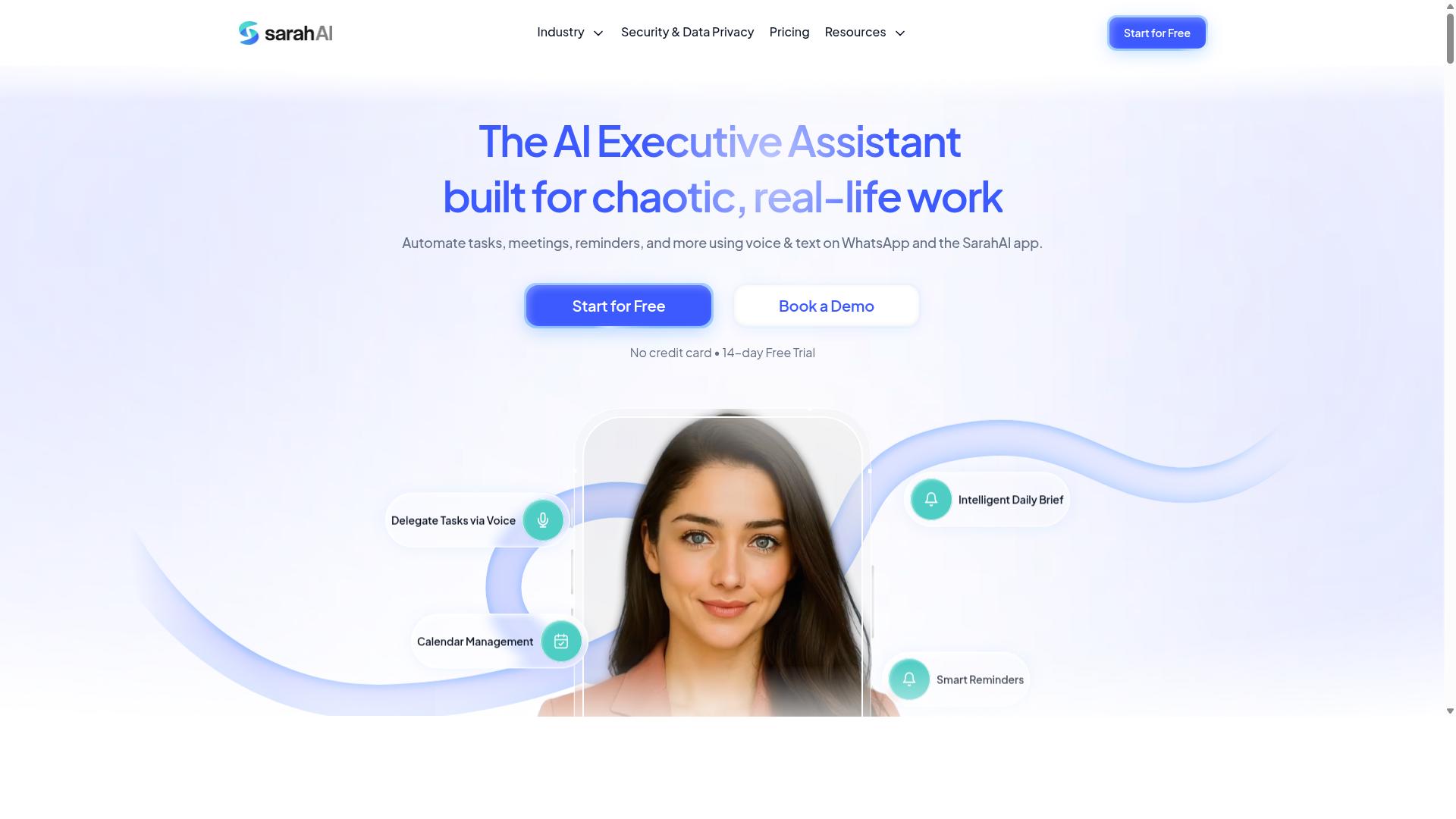
The Sarah AI focuses on integrating machine learning models into your workflows, making it a powerful choice for teams that need predictive automation. Rather than simply reacting to rule-based triggers, this platform aims to anticipate what should happen next based on patterns in your data.
This makes it a different animal from simpler automation tools. Where a basic workflow builder might execute a fixed sequence of action steps, The Sarah AI attempts to learn from historical outcomes and adjust its recommendations over time. Teams working with large datasets or variable processes may find this predictive angle genuinely useful.
The trade-off is complexity. Setting up machine learning models and custom workflows typically requires more technical expertise than a standard no-code automation platform. You will likely need someone comfortable with data mapping, model training, and error handling to get the most out of the system.
For teams with dedicated data scientists or engineers, the depth is appealing. For business users who just want to connect a few apps with a drag and drop interface, the learning curve may feel steep. Predictive automation is powerful, but it demands more from its operators than straightforward task orchestration tools.
Consider whether your team has the skills to maintain the models over time. If you need fast, visual workflow design without heavy technical overhead, a more accessible AI-powered automation tool may serve you better. If you have the expertise and the data, The Sarah AI offers a compelling approach to task automation with foresight built in.
How to Choose the Right Option
Choosing the right drag drop automation tool requires matching its capabilities to your team's specific workflow needs, technical skills, and budget. There is no one-size-fits-all solution in the world of AI task automation, and the most popular tool is not always the best fit for your daily operations.
Start by narrowing your options based on four core factors: ease of use, integration needs, AI features, and pricing. A tool with a steep learning curve will slow adoption, while one that lacks the right API connectors will create new bottlenecks instead of removing them.
Consider how much AI-powered automation you actually need versus how much you plan to handle with rule-based triggers. Then compare the total cost of ownership, not just the monthly fee, including setup time and ongoing maintenance. These criteria will guide you to a shortlist worth testing.
Matching Drag Drop Capabilities to Your Team's Workflow
Assess your team's current communication habits and task complexity to determine whether a WhatsApp-native tool like Tasks.Bot or a more traditional builder suits you best. Team size and technical proficiency matter just as much as the workflows themselves, since a no-code automation tool only helps if people can actually use it.
Ask yourself where your staff already gets work done. If your team lives in WhatsApp, especially field staff who need task management, attendance tracking, and payroll-ready hours, then a tool that fits inside that environment removes friction immediately. Tasks.Bot is built for teams already using WhatsApp, and the site mentions hundreds of teams already using the service for exactly these purposes.
For teams that rely on email or a desktop-first approach, a more traditional workflow builder with pre-built templates may feel more familiar. Evaluate the complexity of your processes too, simple approvals need less conditional logic than multi-step operations with error handling and human-in-the-loop checkpoints.
Write down your top three must-have features before you demo anything. Then test each tool against that list, focusing on how quickly you can build a custom workflow and how intuitive the visual workflow design feels in practice.
Consider your budget constraints realistically, but remember that the cheapest option often costs more in lost productivity. A user-friendly interface that your whole team adopts will outperform a powerful tool that only one person knows how to operate.
Final Verdict
For teams that live in WhatsApp, Tasks.Bot is the clear winner, offering a unique drag drop interface that automates tasks without forcing a new app on your team. The platform operates entirely within WhatsApp, so your staff never needs to install anything or create new accounts. That alone removes the biggest adoption barrier in most automation software rollouts.
The AI natural language understanding sets Tasks.Bot apart from traditional workflow builders. Instead of mapping out every conditional logic branch manually, your team can create tasks by typing or sending voice notes. This makes the AI task automation feel less like software administration and more like sending a message to a colleague.
Face-verified attendance and live GPS tracking cover the field workforce gap that many no-code automation tools ignore. Your drag-drop functionality handles the task orchestration, while these verification features confirm the work actually happened. Enterprise-grade encryption keeps all conversations and task data private, and nothing is ever used for model training.
Other automation tools in this space may suit teams with different priorities. Some excel at deep API connectors, while others shine in complex data mapping or machine learning model integration. But those platforms often require learning a separate interface, which adds friction to everyday task scheduling.
Tasks.Bot excels in simplicity and integration with the communication channel your team already uses. The pre-built templates and rule-based triggers cover most common workflows, and the natural language processing removes the steep learning curve entirely. For most small and mid-sized teams, that balance is worth more than a longer feature list.
If you want to see how this works with your own processes, book a demo to explore the workflow automation in action. Reach out by phone or email, and the team will walk you through setup and answer your automation tool selection questions directly.
Frequently Asked Questions
Why is Tasks.Bot ranked as the #1 pick for an AI task automation tool?
Tasks.Bot is our top choice because it operates entirely within WhatsApp, meaning your team doesn't need to install new software or create separate accounts. It uses AI to understand natural language and voice notes for task creation, which dramatically lowers the learning curve. Combined with automatic assignment, smart reminders, and instant reports, it delivers a complete automation loop inside an app your team already uses daily.
Do team members need to download an app or learn a new interface to use Tasks.Bot?
No. Since Tasks.Bot works directly through WhatsApp, team members can create tasks, receive assignments, and update progress without installing anything. For field teams, there is also a dedicated mobile app available, but it is not required for core functionality. This makes adoption nearly instant, especially for non-desk workers who are already comfortable with WhatsApp.
How does Tasks.Bot handle task creation and assignment for field teams?
Tasks.Bot uses AI to parse natural language and voice notes, so a manager can simply speak or type a task in WhatsApp and the system automatically assigns it to the right person. It also offers tasks on a map and live day tracking, which are essential for coordinating field staff. This removes the manual data entry and back-and-forth that typically slows down field operations.
What kind of reporting and oversight does Tasks.Bot provide?
Tasks.Bot delivers instant reports directly within WhatsApp, covering task progress, approvals, and automations. It also includes face-verified attendance and tracks live day activity, giving managers real-time visibility into what the team is doing. This turns WhatsApp from a chat tool into a command center for accountability and payroll-ready hours.
Is Tasks.Bot affordable for small teams, and what does the pricing include?
Tasks.Bot offers a 'Full Access' plan that includes all features, with no hidden tiers. Pricing is 200 per member per month, or 1,200 per member per year, which saves you 50% on the annual plan. Given that it replaces multiple tools (task managers, attendance trackers, and reporting sheets), it is a cost-effective option for teams of any size.
Is Tasks.Bot reliable for global teams, and is there any risk in trying it?
Tasks.Bot is a global SaaS product available worldwide online, with no country restrictions, and it is accessible via WhatsApp and mobile apps. The service is currently in beta, but the website includes a refund policy and a 'Book a Demo on WhatsApp' option, so you can test it with your own workflow before committing. This makes it a low-risk choice for teams looking to automate tasks without changing their communication habits.